What Pages Does a Coaching Website Need? (The 6 That Actually Bring Clients)

Twelve:Thirty Digital
Editorial Field Note
A coaching website needs six pages: a homepage, an about page, a work with me page, a place for proof, a free resource, and a clear way to book a call. Everything else is optional. Most coaches lose clients not because their site is missing pages, but because the pages they have don't lead anywhere.
Below is what each page has to do, what to leave out, and the order a visitor should move through them.
Start with the path, not the pages
Before you decide on pages, decide on the path. A potential client arrives curious and slightly sceptical. Your website has one job: to take her from "who is this?" to "I want to talk to her" without making her think about where to click next.
That path almost always looks like this:
She lands on your homepage (or a blog post) and recognises her problem.
She checks who you are and whether she trusts you.
She looks at how you work and what it costs.
She looks for proof that it works for people like her.
She books a call, or, if she isn't ready, takes your free resource and stays in touch.
Each of the six pages below covers one step of that path.
1. Homepage: name the problem in the first screen
Your homepage is not a summary of everything you do. It is a filter. In the first screen, without scrolling, a visitor should understand three things: who you help, what changes for them, and what to do next.
A strong homepage usually has:
A headline about her outcome, not your title. "Lead with confidence in your first executive role" says more than "Executive Coach".
One primary button, such as "Book a discovery call". A second, quieter option ("Get the free guide") is fine. Five buttons are not.
A short "is this you?" section that describes her situation in her own words.
A preview of how you work, linking to your work with me page.
One or two testimonials, placed close to the button.
2. About page: make it about her, then about you
The about page is one of the most visited pages on any coaching site, and one of the most misused. Visitors don't read it for your biography. They read it to decide whether you understand them.
Open with the problem you help with and why it matters to you. Then share the parts of your story that explain your approach, your training and credentials, and a real photo of you. Close with the same call to action as your homepage. An about page that ends with nothing to click is a dead end.
3. Work with me: show the offer and the investment
This is the page that converts, and it's where most coaching sites are vague. Describe each offer clearly: who it's for, what happens in it, how long it lasts, and what she leaves with.
Then address price. You don't have to list an exact figure, but "investment from €1,500" or "packages start at €900" filters out the wrong enquiries and reassures the right ones. Hiding price entirely tends to fill your calendar with calls that go nowhere.
If you only have time to improve one page this month, make it this one. A clear offer page does more for bookings than a redesign of everything else.
4. Proof: testimonials, results and credibility
Proof doesn't have to be its own page, but it has to exist and be easy to find. The strongest proof is specific: a client's name, her situation before, and what changed after working with you.
Good options include:
Testimonials placed next to every call to action, not hidden on one page.
Two or three short case stories ("from overwhelmed to promoted in six months").
Logos of companies you've coached for, or places you've been featured, if you have them.
Certifications, shown once and simply.
If you're just starting out and have few testimonials, use what you have honestly: feedback from pilot clients, workshop participants or colleagues. Don't invent results.
5. A free resource: for visitors who aren't ready yet
Most visitors won't book a call on their first visit. A free resource, such as a short guide, a checklist or a workbook, gives them a reason to leave their email so you can stay in touch.
Keep it narrow and useful. "5 questions to ask before hiring a coach" works better than a 40-page ebook nobody finishes. The resource can live on its own landing page, with a sign-up form on your homepage and at the end of your blog posts.
6. Book a call: remove every step you can
Your contact page should be a booking page. Embed a scheduler so she can choose a time immediately, and keep the form to what you truly need before the call: name, email and one question about what she's looking for.
Add a few lines about what the call is (length, format, that there's no pressure) and what happens after. Uncertainty about the call is one of the most common reasons people don't book.
What you can leave out at the start
New coaching sites often grow pages they don't need yet. You can safely skip or postpone:
A separate FAQ page. Put answers on the work with me page, where the questions come up.
A blog, until you can publish regularly. An empty blog with two posts from last year hurts more than no blog.
A shop or course platform, until you have something to sell there.
Separate pages for every service, if you offer two or three packages. One clear offer page is easier to read.
You'll still need the legal basics, a privacy policy and, if you sell online, terms, but these live in the footer and don't count as part of the client path.
Template or custom build?
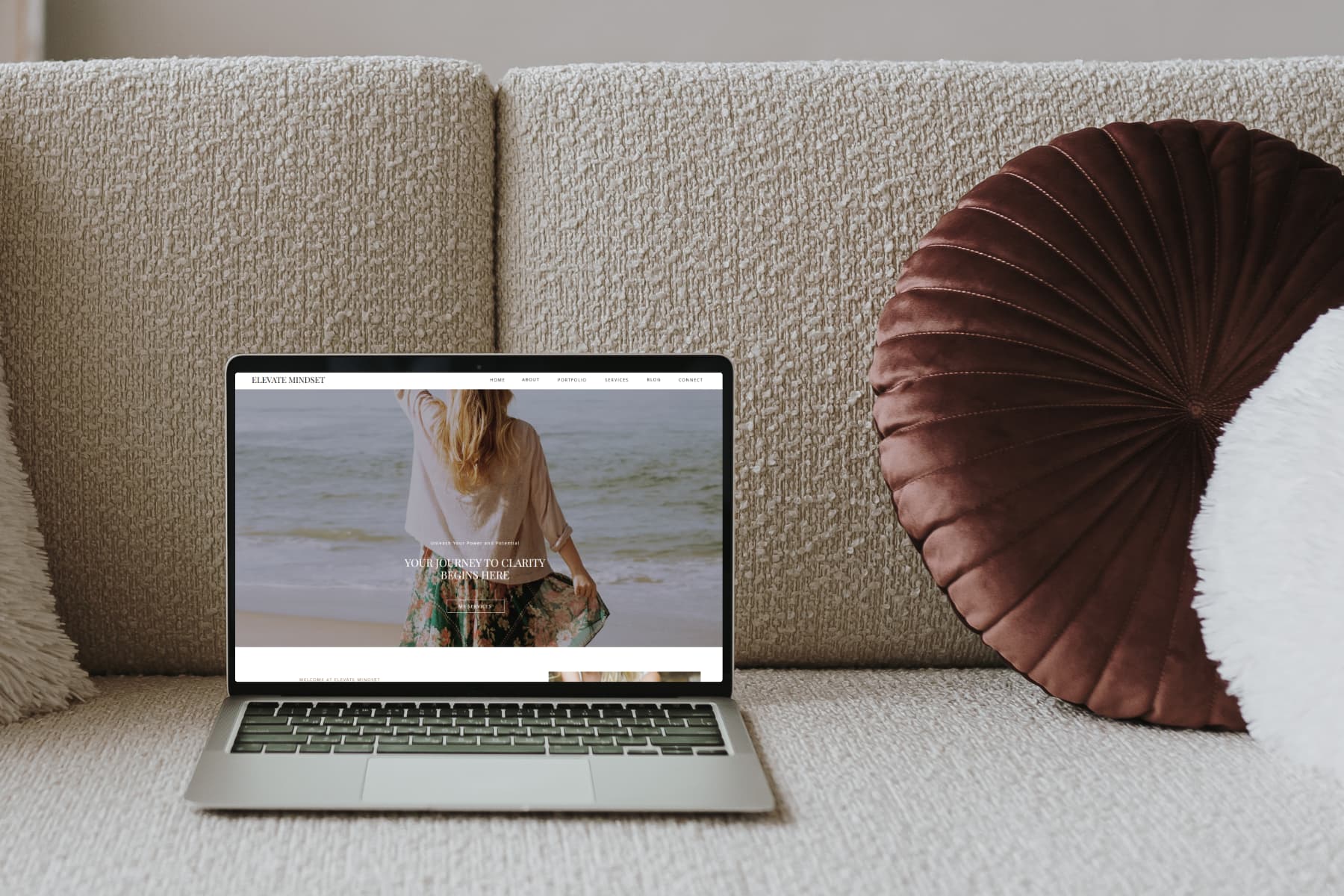
These six pages are the same whether you build from a template or commission a custom site. The difference is how much of the structure is already done for you. A well-built coaching template, like Elevate Mindset or Lana, ships with this path already in place, so you only replace the words and photos.
If your practice has outgrown a template, for example because you sell programmes, run a membership or need a booking system tied to payments, a custom build makes more sense. We wrote about how to tell which stage you're in here: Templates vs. Custom Builds: How to Know Which Stage You're Actually In. And if you'd rather have it built for you, see our bespoke web services.
Frequently asked questions
How many pages should a coaching website have?
Six core pages are enough for most coaches: home, about, work with me, proof (or testimonials woven through the site), a free resource and a booking page. Add more only when you have a clear reason, such as a blog you'll update regularly.
Do I need a blog on my coaching website?
Not at the start. A blog helps people find you through Google over time, but only if you publish consistently. If you can't commit to at least one or two posts a month, focus on your core pages first.
Should I put my prices on my coaching website?
In most cases, yes, at least as a starting price. It filters out enquiries that aren't a fit and builds trust with the ones that are. You can keep exact package prices for the discovery call.
What is the most important page on a coaching website?
The work with me page. It's where a visitor decides whether your offer is right for her, so it needs a clear description of each offer, the investment, and an obvious next step.
Ready to implement this in your own practice?
Explore our catalogue of conversion-led Wix templates or inquire about dedicated bespoke studio builds.